Storage System Dashboard
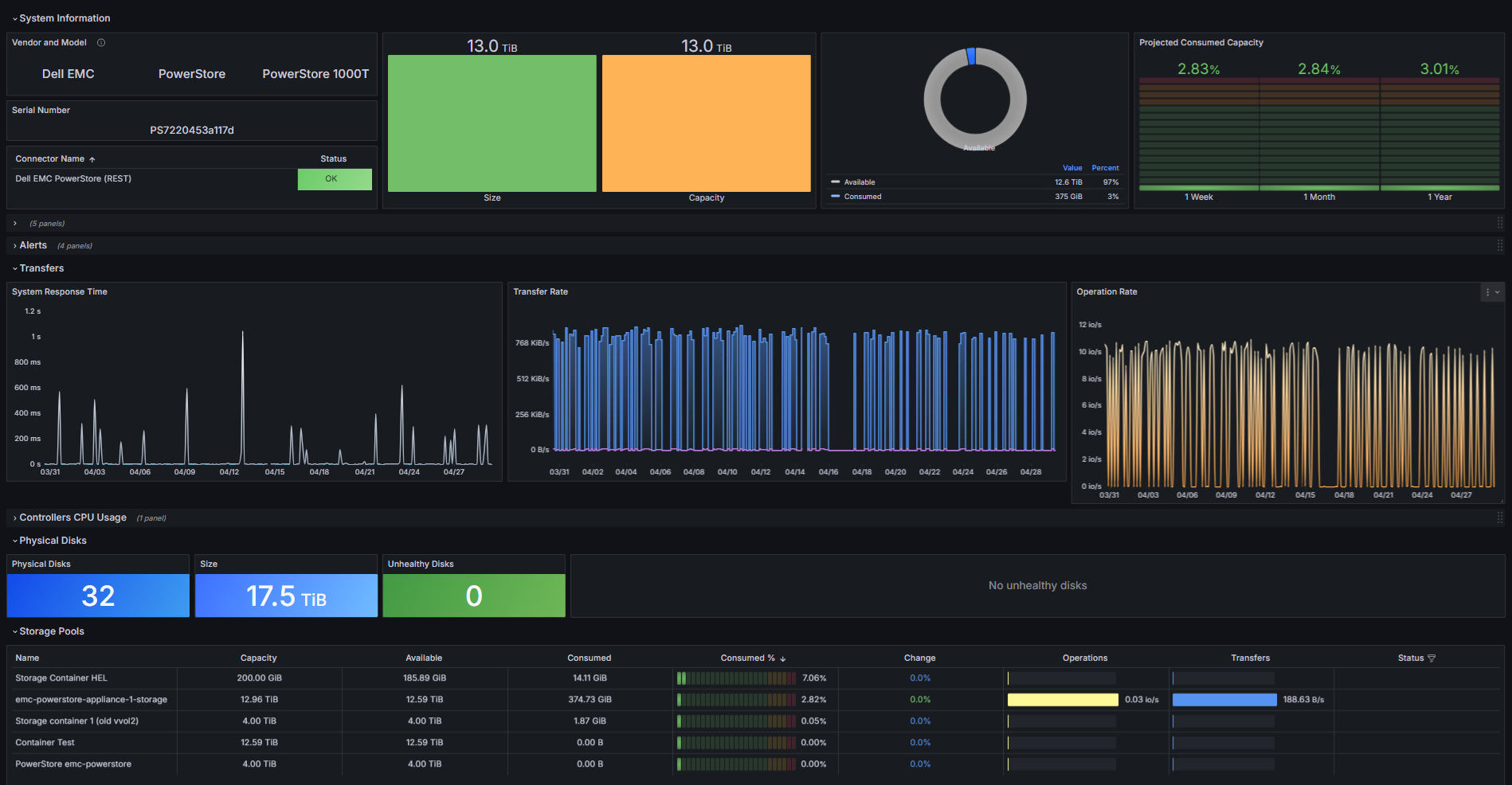
The Storage System dashboard for BMC Helix provides comprehensive visibility into the health, performance, and capacity of your multi-vendor storage infrastructure. By consolidating metrics across controllers, disks, pools, volumes, and network activity, it helps you monitor utilization trends, anticipate capacity saturation, and quickly detect performance degradation or hardware issues early.
This section explains how to import this dashboard into BMC Helix.
Prerequisites
Before importing the Storage System dashboard in BMC Helix, ensure that you have properly configured the BMC Helix integration.
Importing the MetricsHub dashboards
-
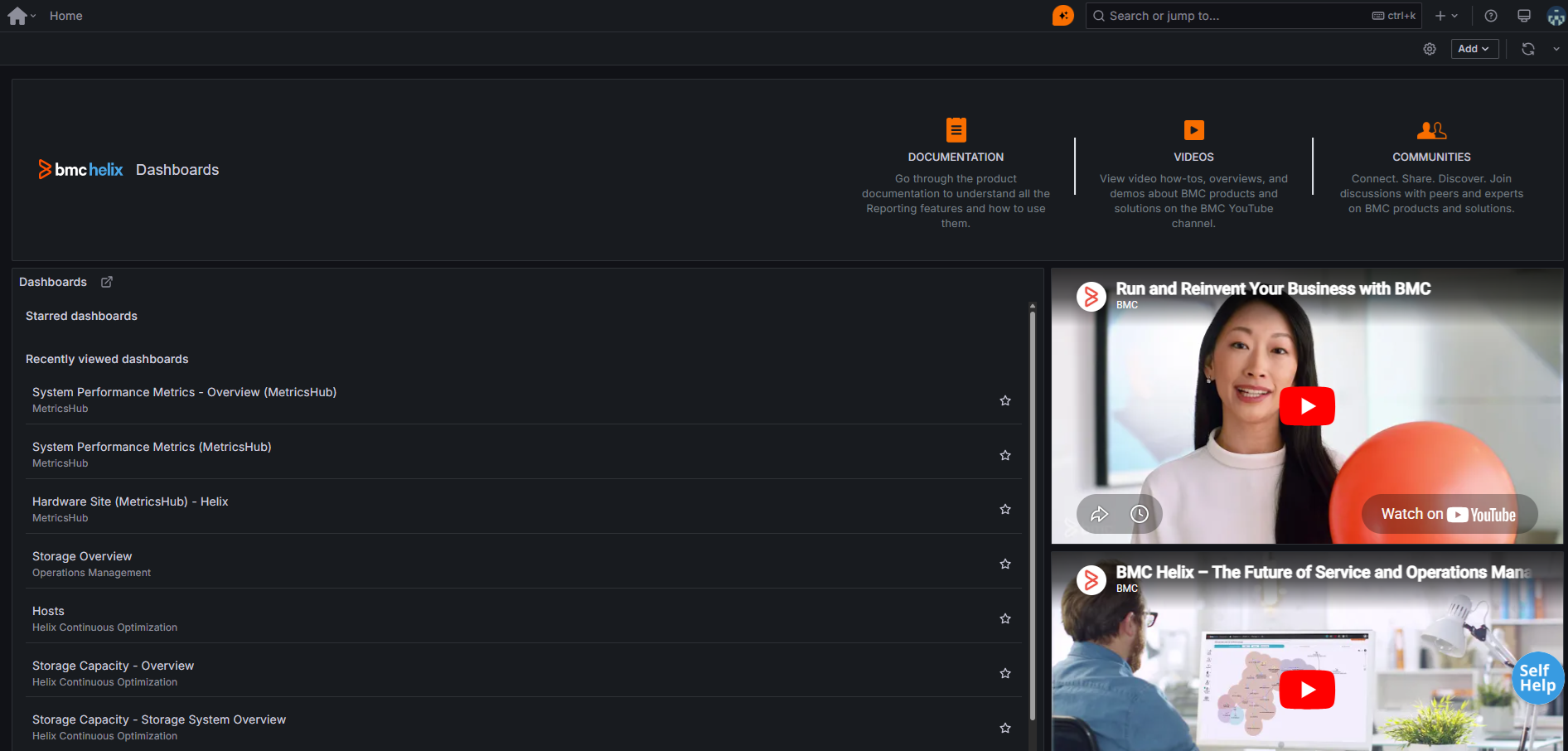
From the BMC Helix Portal, click the BMC Helix Dashboards tile
-
Click the open icon next to Dashboards
-
Click New in the top-right corner, then select Import from the dropdown menu

-
Drag and drop the Storage System file.
-
Click Load.